
Every Organization in Its Own Fortress
RiverAI is built on Keycloak, the industry standard for enterprise identity management. But the real difference lies in the multi-tenant isolation architecture we built on top of it.
Each Organization Gets Its Own Identity Realm, Its Own Schema
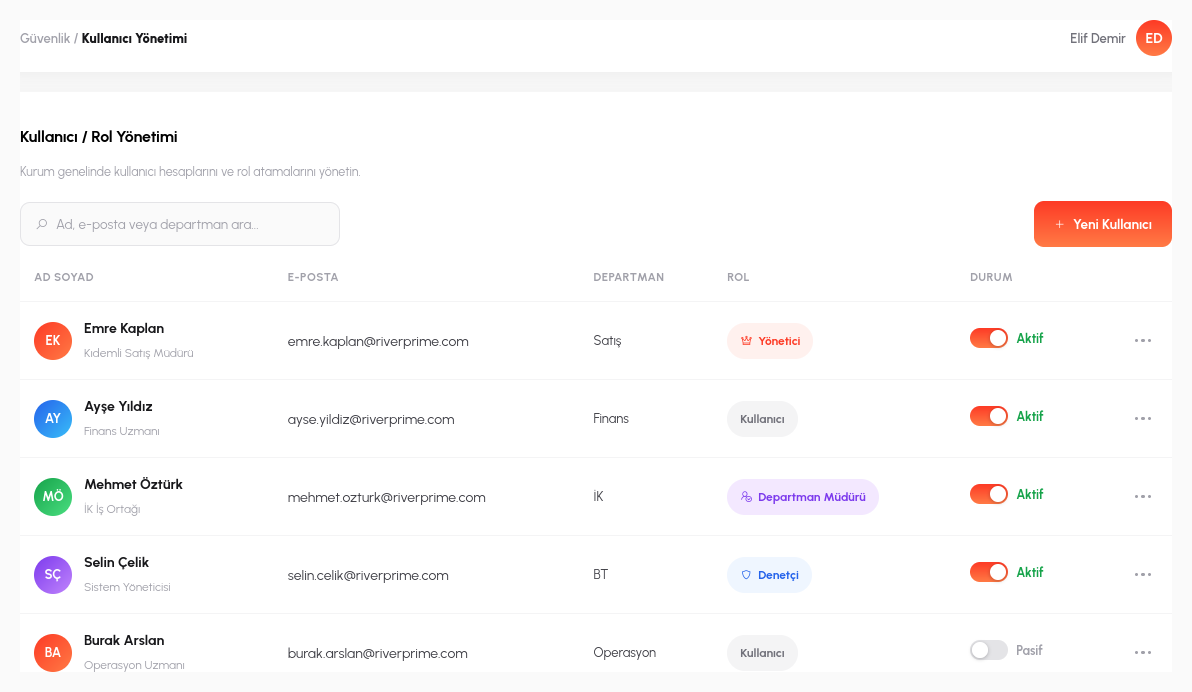
RiverAI builds identity management on Keycloak, the enterprise world's standard open-source solution. But the real difference is in how we use Keycloak: each organization gets a separate realm within the same Keycloak cluster: an independent identity domain with its own users, its own roles, its own session policies, and its own password rules. Even if two organizations share the same physical server, one can never see the other's user list, roles, or session data.
The same separation applies at the data layer: each organization has its own data schema. This is not a fragile "filter by tenant_id column in a single table" approach; a single WHERE clause forgotten in one query can leak another customer's data in that model. In RiverAI, isolation lives at the schema level, standing as an architectural guarantee that does not depend on code being bug-free.
Authentication is JWT (JSON Web Token) based: the token a user receives at sign-in carries which realm, which role, and which session it belongs to; that token is validated on every request. Session duration, concurrent session limits, and token refresh rules can also be configured per organization; one organization may want 8-hour sessions while another requires automatic sign-out after 30 minutes.
Permanent Audit Trail
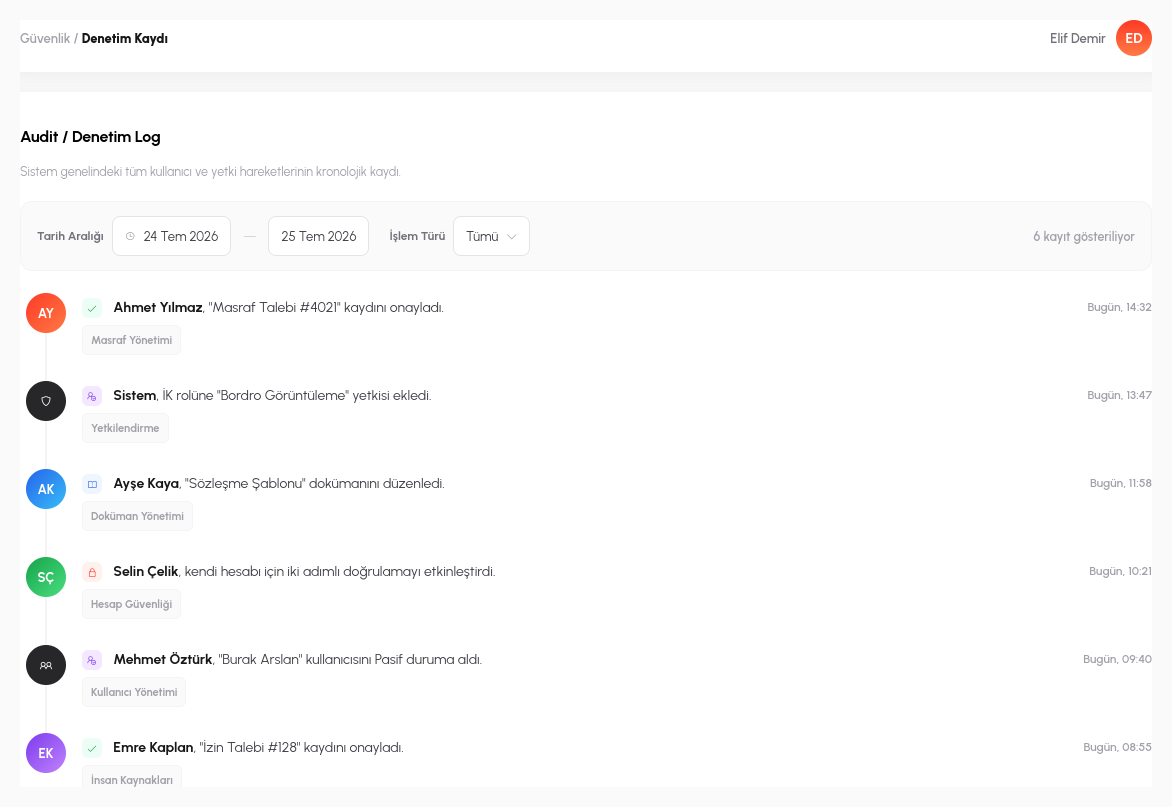
Every critical operation (publishing a process, changing a permission, modifying a form's structure, deleting a record) is automatically written to the audit trail. And what gets recorded is not just "what happened": which user, at which timestamp, changed which record, from which old value to which new value; each is stored separately.
This trail is irreversible and cannot be deleted: neither from the application interface nor through direct database access. Even an administrator cannot scrub their own actions from the audit log; this preserves the audit trail's true purpose (making internal misuse traceable as well). For example, when a user's role is elevated from "view only" to "can approve", who did it and on what date is recorded permanently.
In practice, this means answering "who did it, when, and what was there before" within minutes when an issue arises, without guesswork. You can trace step by step, backwards through the audit log, why an expense request was rejected, why a process behaved differently, or when and by whom a permission was granted.
Control at the Screen, Field, and Action Level
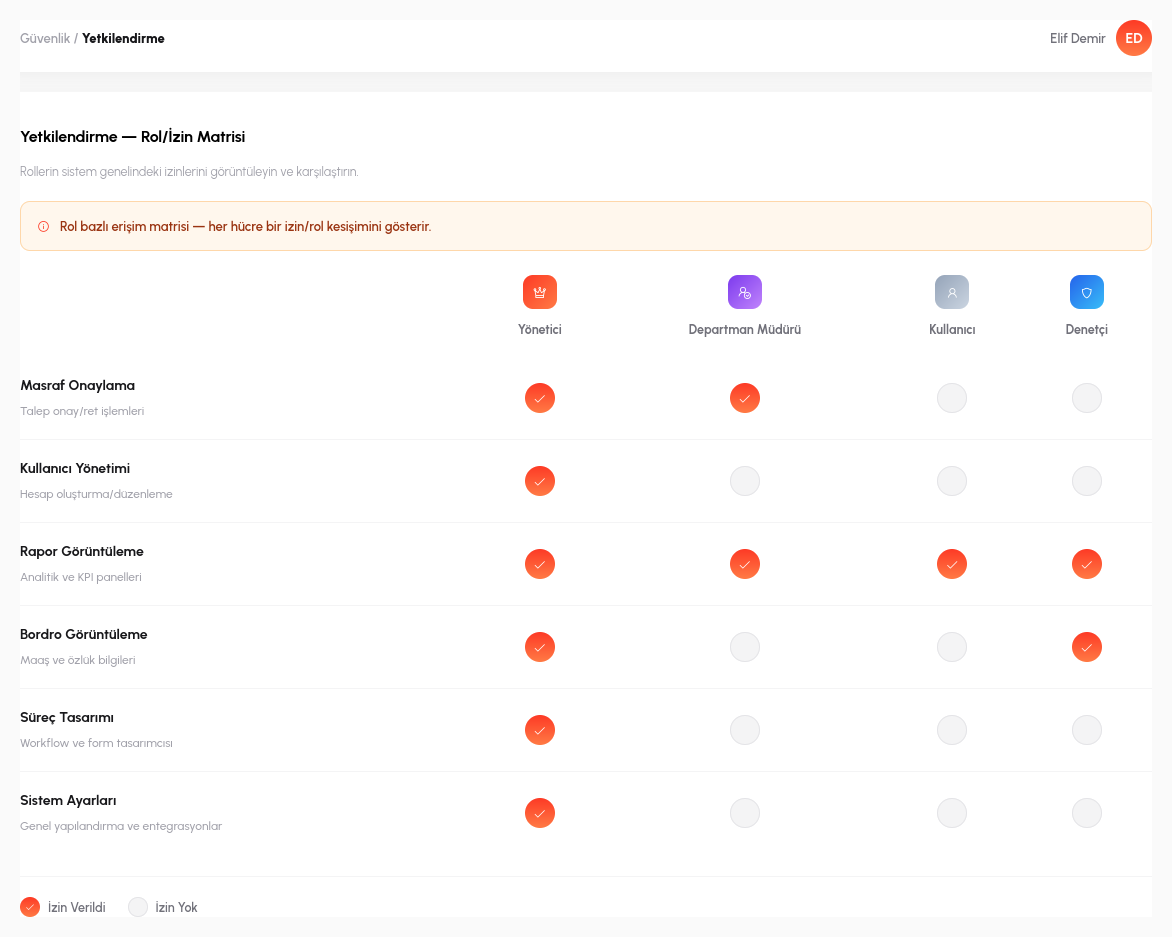
Role-based access control (RBAC) in RiverAI goes far beyond a single "admin/user" split; roles are defined per organization and enforced separately at the screen, field, and action level. A user may be able to open a form yet not edit a specific field within it; they may be able to trigger one step of a process while never even seeing another.
Authorization also works at the record (row) level: a user can see only the requests opened by their own department, and a regional manager can access only the records in their own region. Form design offers similar fine-tuning: a field's visibility can be tied directly to a role; for example, only users with the HR role see the salary field on an employee form, while for everyone else that field is never rendered at all.
For session security, two-factor authentication (2FA) is supported and token-based sessions can be terminated centrally; when an employee leaves, all of their active sessions are closed instantly. Even in the exceptional cases where the support team must act on behalf of a user, it is never a "silent" delegation of authority: who acted, on whose behalf, and when is explicitly logged in the very same audit trail.
- Separate Realm, Separate Schema: each organization lives in its own Keycloak realm and its own database schema: an architecture-level isolation guarantee that does not depend on code being bug-free.
- Field/Screen/Action RBAC: roles are not just "admin/user" but defined separately at the screen, field, and action level; a user may see one field and never see another.
- Record-Level Authorization: a user accesses only their own department's or region's records; row-level access control is embedded in the form/process design.
- Permanent Audit Trail: who changed which record, when, from which value to which value; this trail cannot be deleted or altered by anyone, administrators included.
- 2FA + Central Session Control: two-factor authentication and central termination of token-based sessions; when an employee leaves, all sessions close instantly.
Let's Talk Through Our Security Architecture in Detail
Let's schedule a technical session with your IT team and answer your questions directly.
Request a Demo